
Export & Integrations
Get your work out of Inoscope in the shape your other tools expect: clean spreadsheets, PDF reports, share links, accounting exports, and a programmatic API.
Exports
| What | Where | Formats |
|---|---|---|
| Line items | Assessment header → Export | XLSX, CSV — refreshed, cleaner schedules since 3.6.0 |
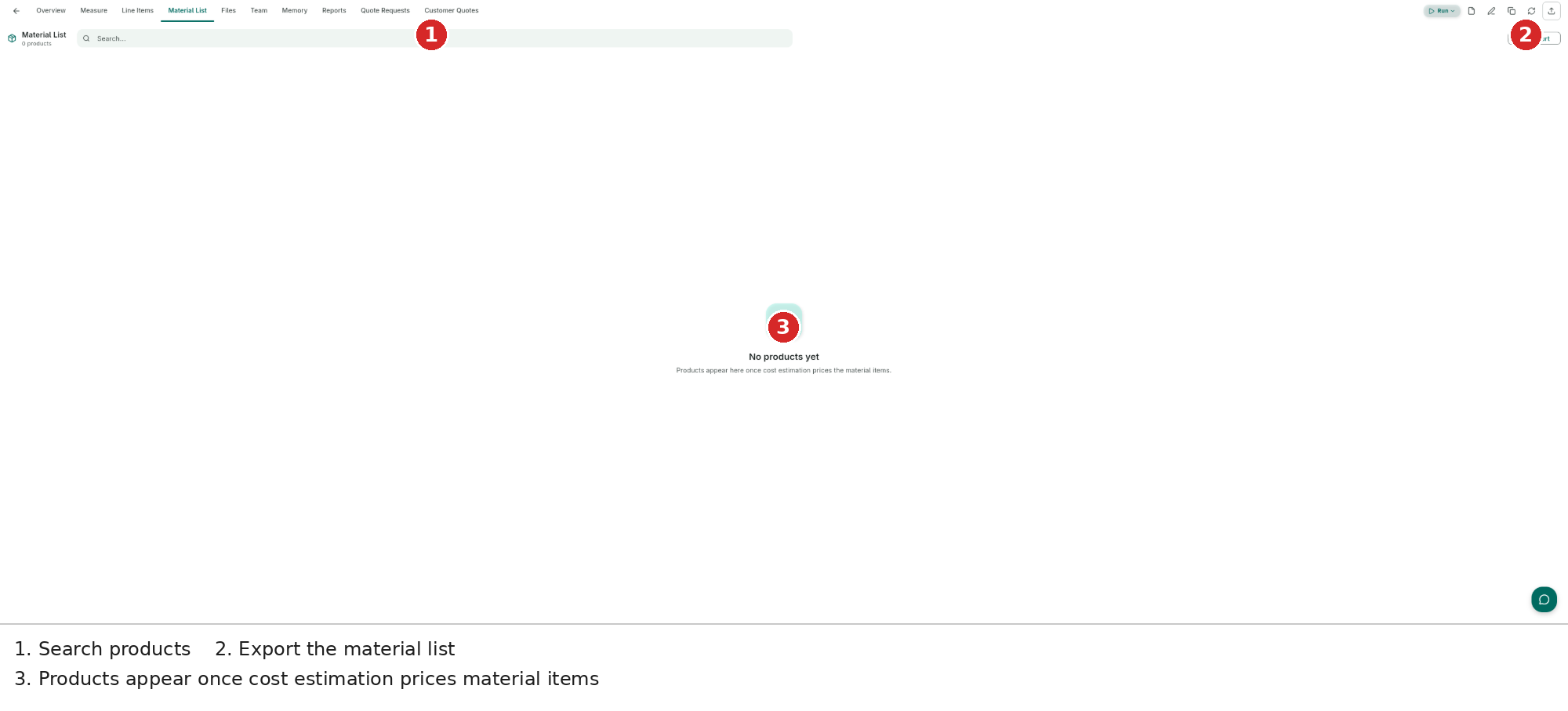
| Material list | Material List tab → Export | CSV, XLSX for ordering or reconciliation |
| Reports | Report viewer | PDF, HTML |
| Records | Record menu | audio + transcript |
| Share links | Reports & records share dialog | secure link, public or restricted, opens back in the app (3.5.6) |
Integrations
Connect Inoscope to the business tools you already run (Settings → Integrations):
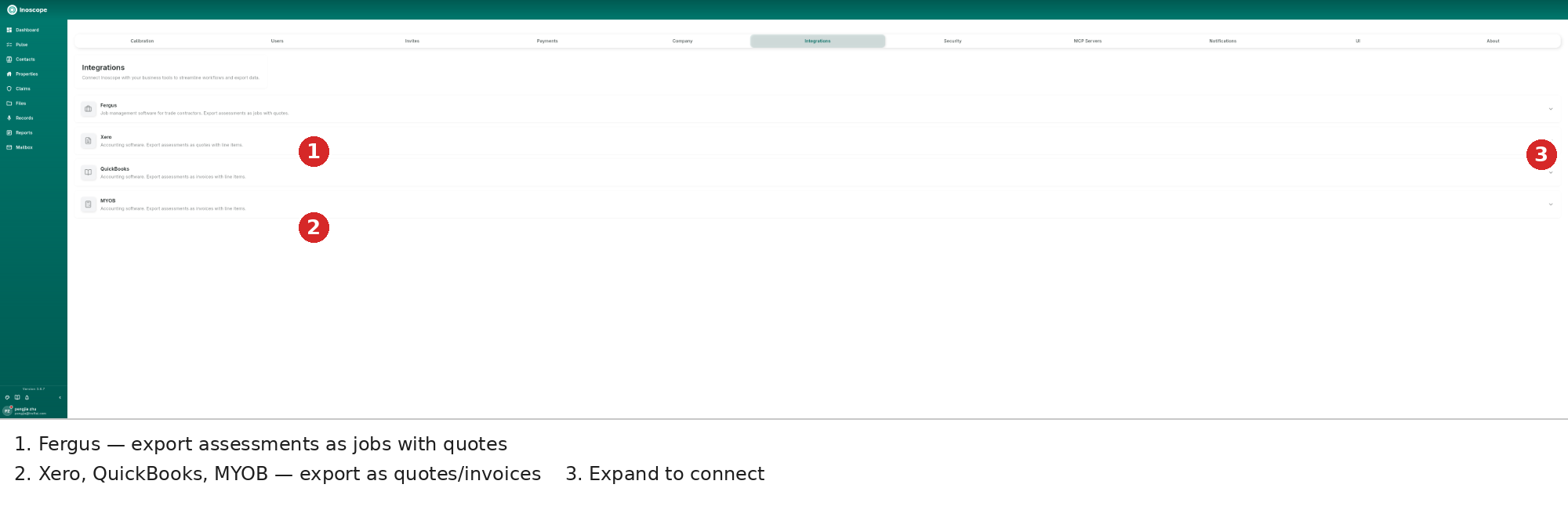
- Fergus — job-management software for trade contractors; export assessments as jobs with quotes.
- Xero / QuickBooks / MYOB — export assessments as quotes or invoices with line items.
- Expand a row to connect and configure the account.
API Keys
For programmatic access, create scoped personal API keys under Settings → Security → API Keys (since 3.5.0): generate, copy the inc_… secret once, set scopes (e.g. all:full-access), and watch created / last-used / expiry. Revoke any time. See Settings → Security.
MCP Servers (Bring Your Own Tools)
Connect Model Context Protocol servers at user or company level and Bee gains your own tools and data sources — Settings → MCP Servers. See Settings → MCP Servers.